Colo(u)rs & Themes

ggplot2
tidyverse
statsglobe
R
colour
Author

Colin Madland

Published

February 8, 2025

Data Visualization in R Using ggplot2 - Module 6

Show the code
Warning: package 'ggplot2' was built under R version 4.5.2
Show the code
library(tidyverse)                       # Install & load ggthemes
Warning: package 'tibble' was built under R version 4.5.2
Warning: package 'tidyr' was built under R version 4.5.2
Warning: package 'readr' was built under R version 4.5.2
Warning: package 'purrr' was built under R version 4.5.2
Warning: package 'dplyr' was built under R version 4.5.2
── Attaching core tidyverse packages ──────────────────────── tidyverse 2.0.0 ──
✔ dplyr     1.2.0     ✔ readr     2.1.6
✔ forcats   1.0.1     ✔ stringr   1.6.0
✔ lubridate 1.9.4     ✔ tibble    3.3.1
✔ purrr     1.2.1     ✔ tidyr     1.3.2
── Conflicts ────────────────────────────────────────── tidyverse_conflicts() ──
✖ dplyr::filter() masks stats::filter()
✖ dplyr::lag()    masks stats::lag()
ℹ Use the conflicted package (<http://conflicted.r-lib.org/>) to force all conflicts to become errors
Show the code
Warning: package 'ggthemes' was built under R version 4.5.2
Show the code
my_data <- data.frame(x = 1:100,                          # Create example data
                      y = c(cumsum(rnorm(100, 0, 0.5)),
                            cumsum(rnorm(100, 0.1, 0.6)),
                            cumsum(rnorm(100, 0.3, 0.2)),
                            cumsum(rnorm(100, 0.2, 0.8)),
                            cumsum(rnorm(100, 0.2, 1.5))),
                      group = rep(LETTERS[1:5], each = 100))
Show the code
view(my_data)
Show the code
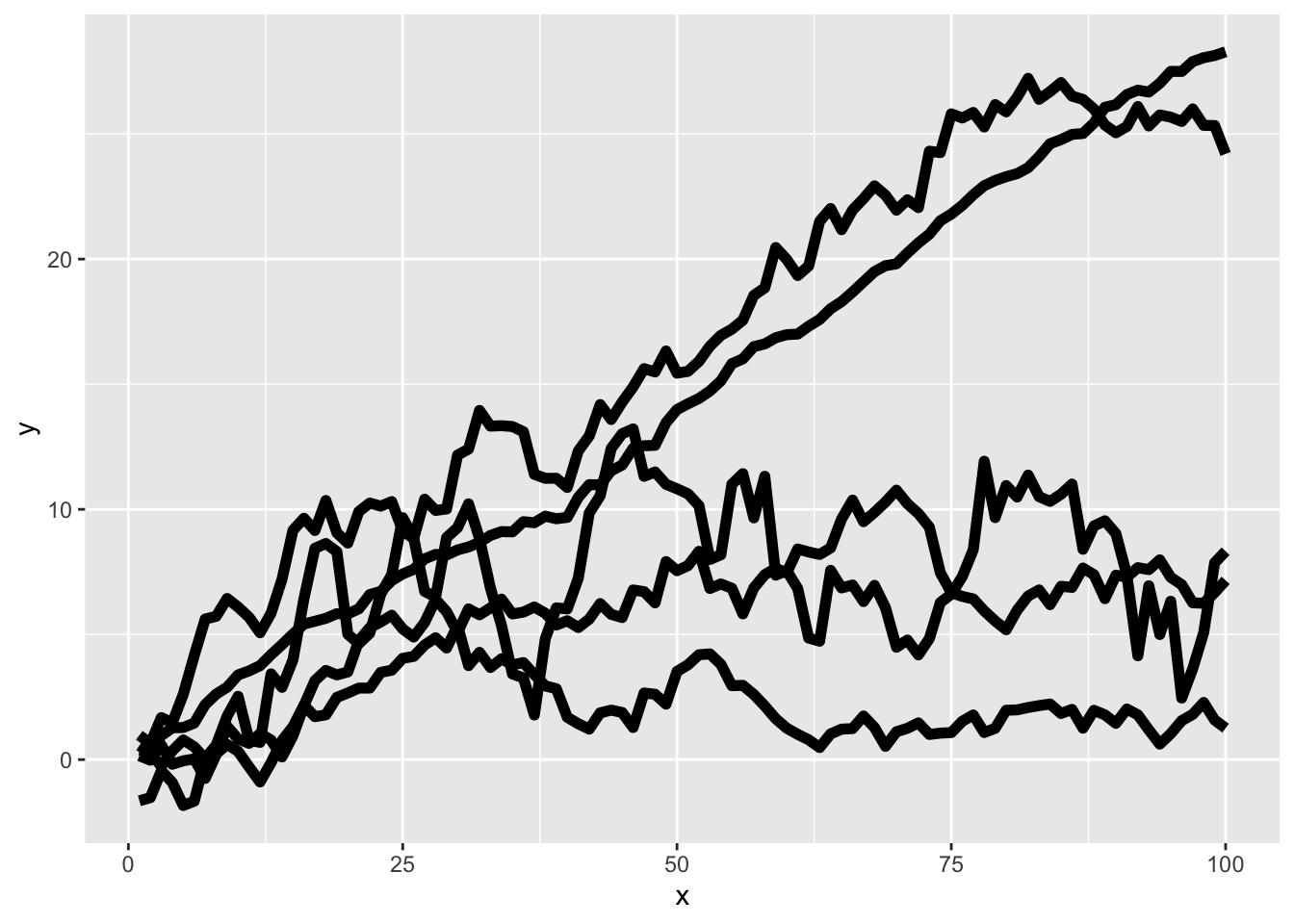
ggplot(data = my_data,                                    # Plot without color
       aes(x = x,
           y = y,
           group = group)) +
  geom_line(linewidth = 2)

Show the code
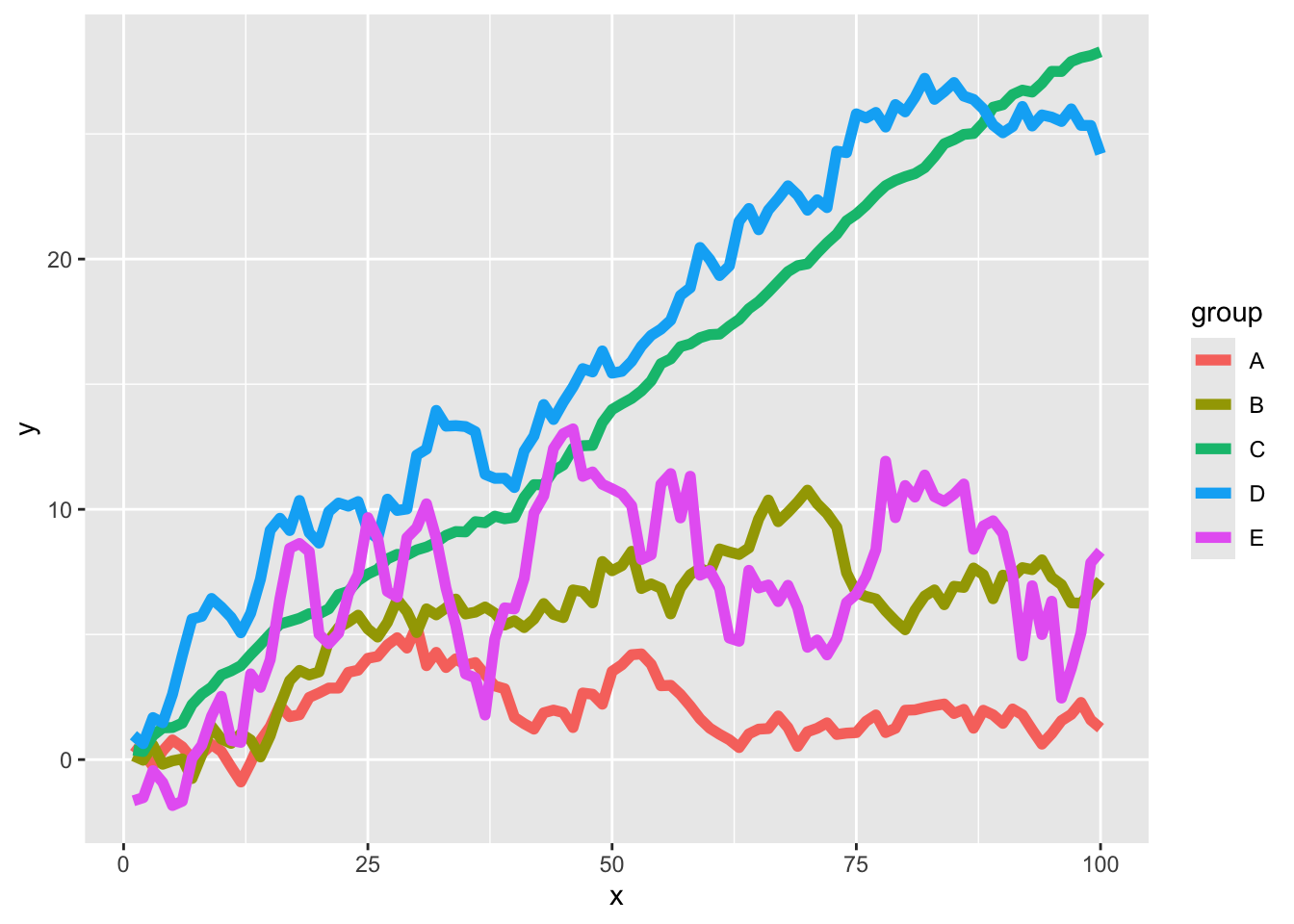
my_ggp1 <- ggplot(data = my_data,                         # Default colors
                  aes(x = x,
                      y = y,
                      color = group)) +
  geom_line(linewidth = 2)
my_ggp1

Show the code
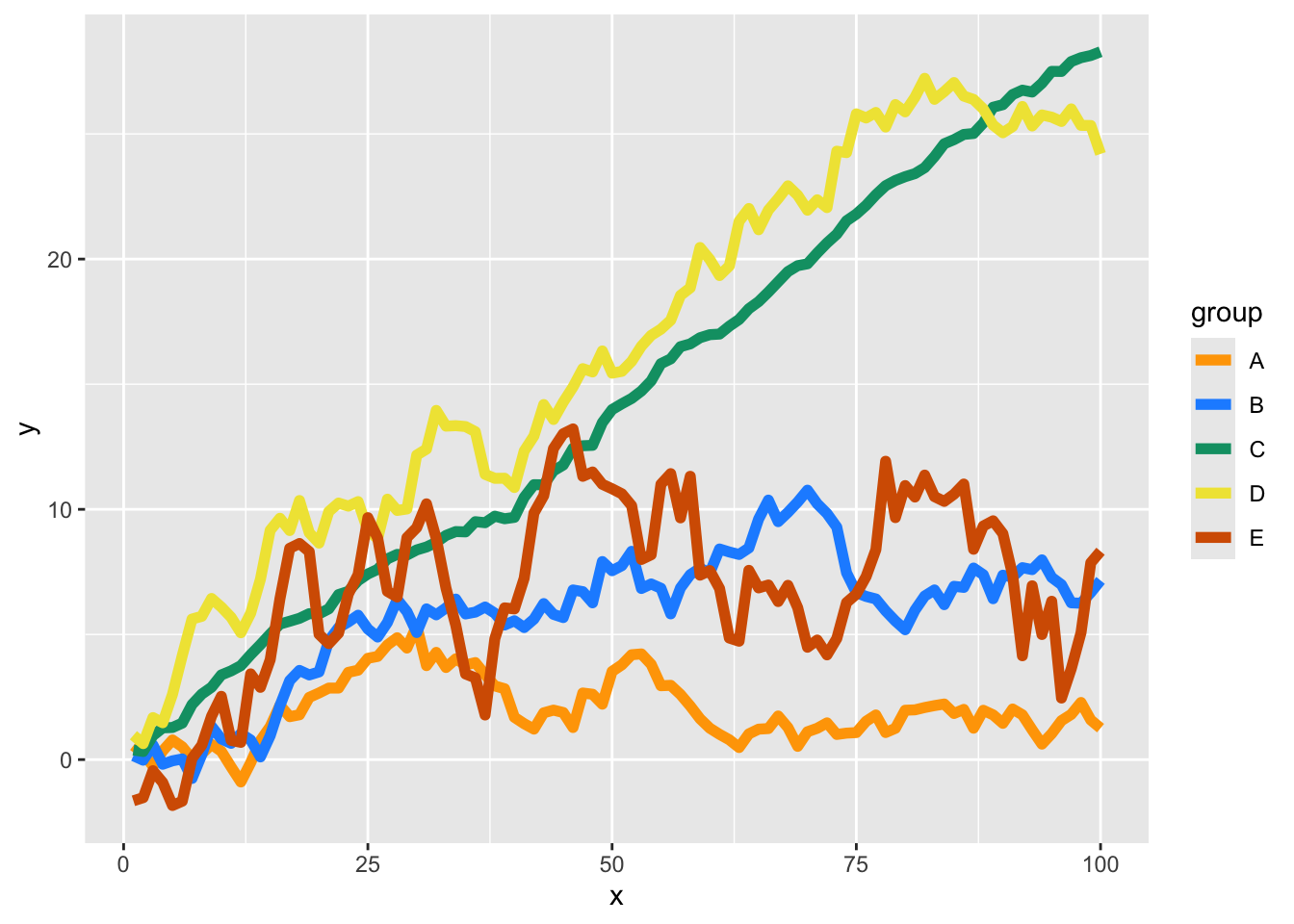
my_ggp1 +                                                 # Change colors
  scale_color_manual(values = c("A" = "orange", 
                                "B" = "dodgerblue", 
                                "C" = "#009E73", 
                                "D" = "#F0E442", 
                                "E" = "#D55E00"))

Show the code
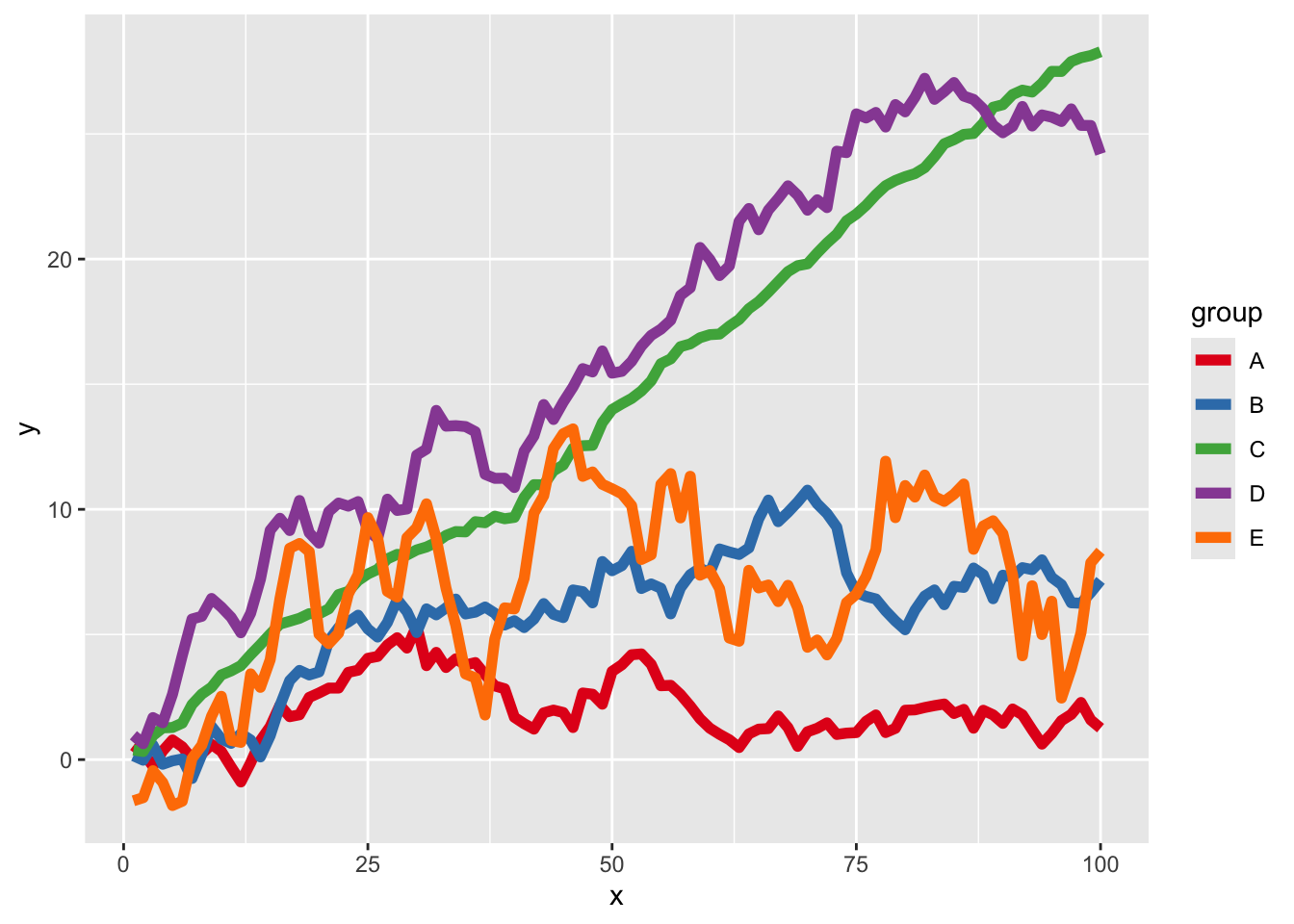
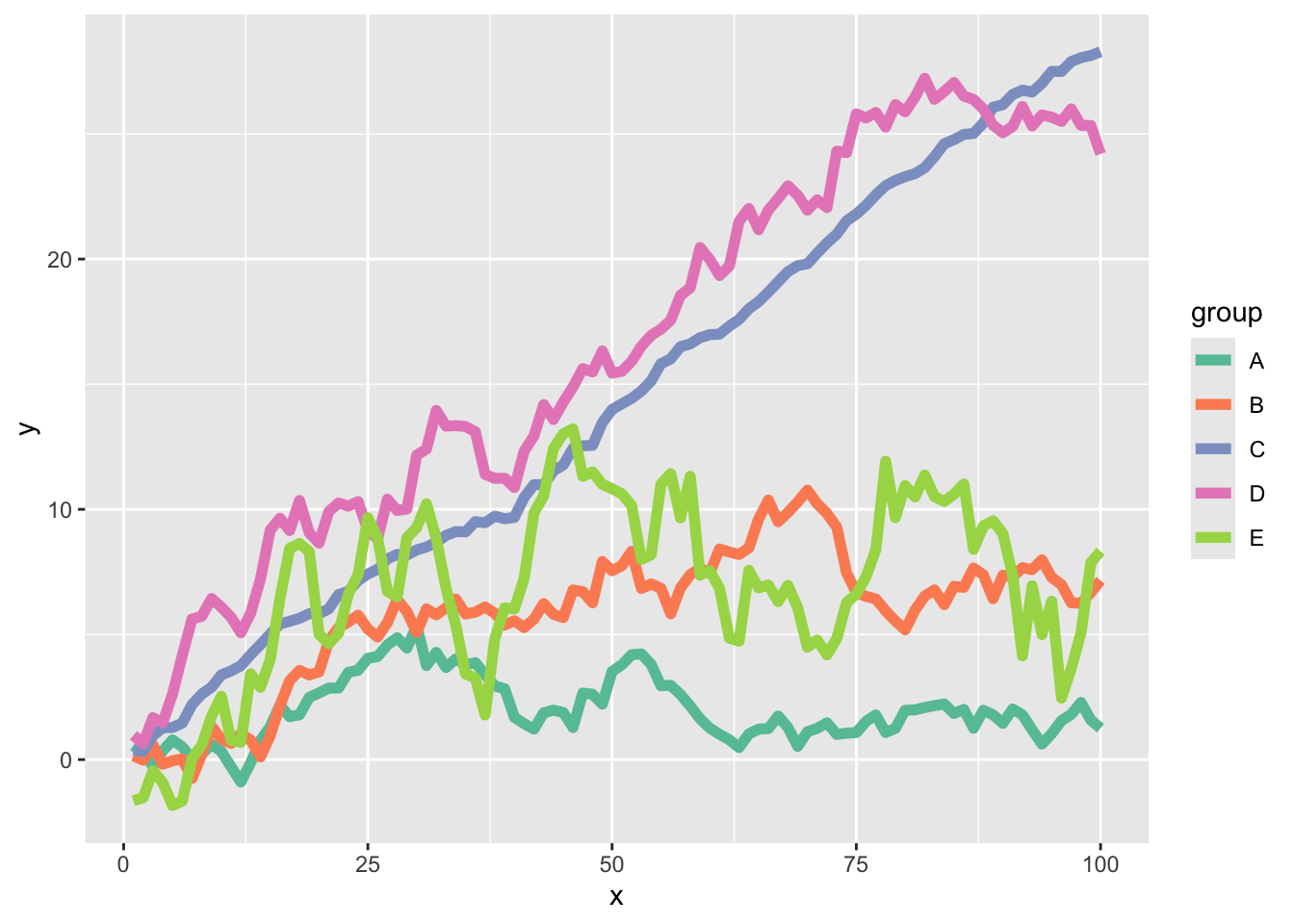
my_ggp1 +                                                 # Discrete color palettes
  scale_color_brewer(palette = "Set1")

Show the code
my_ggp1 +
  scale_color_brewer(palette = "Set2")

Show the code
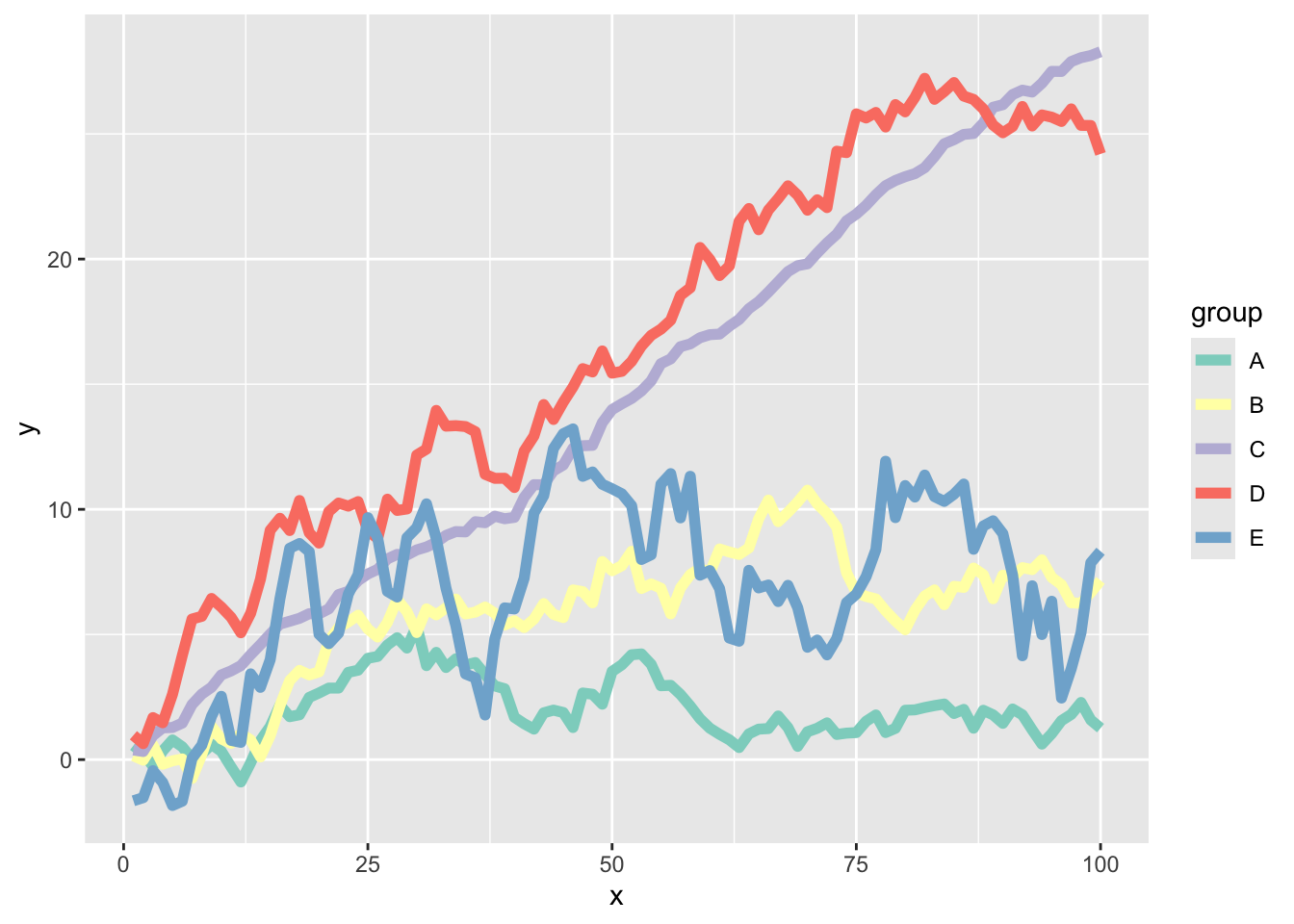
my_ggp1 +
  scale_color_brewer(palette = "Set3")

Show the code
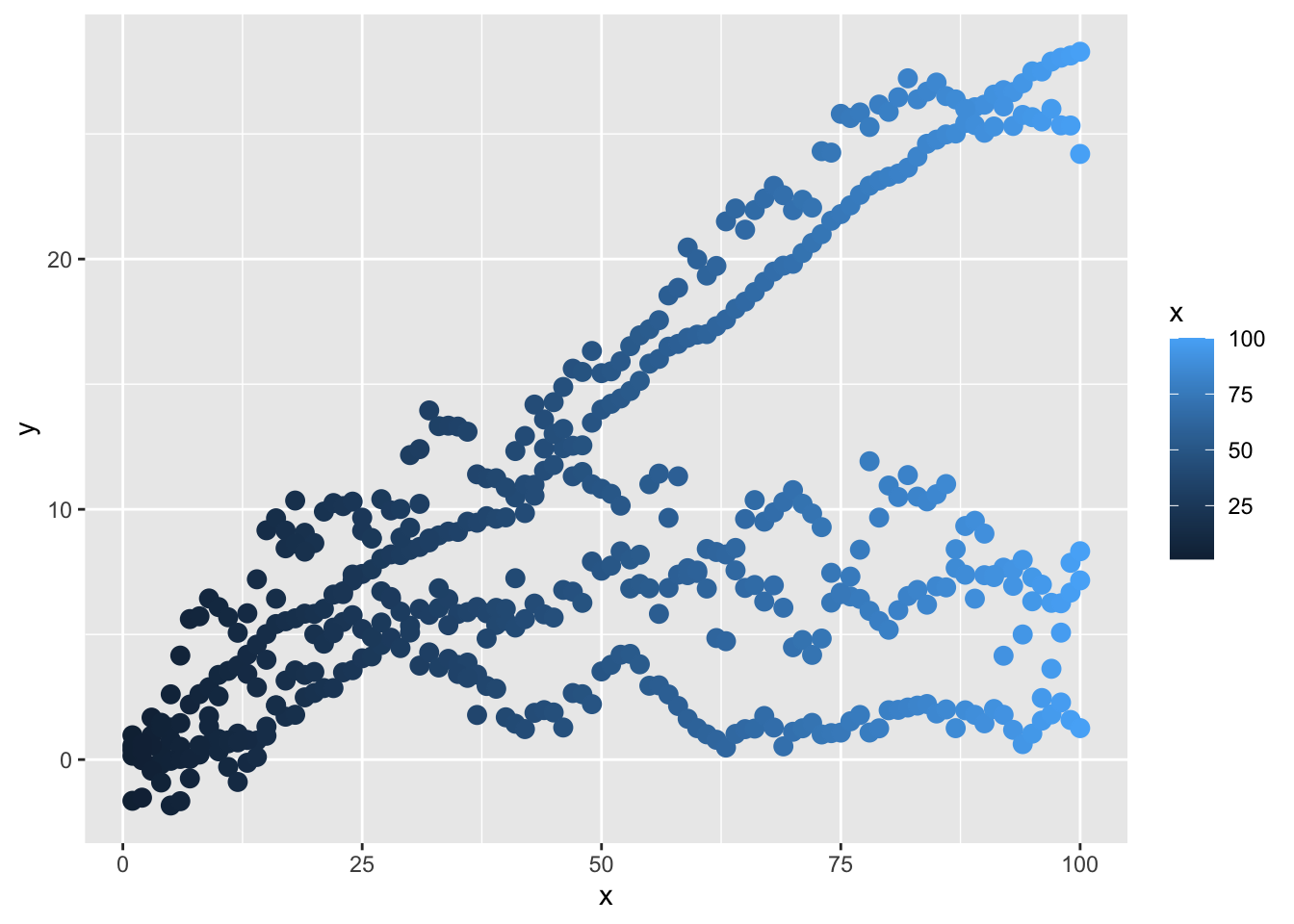
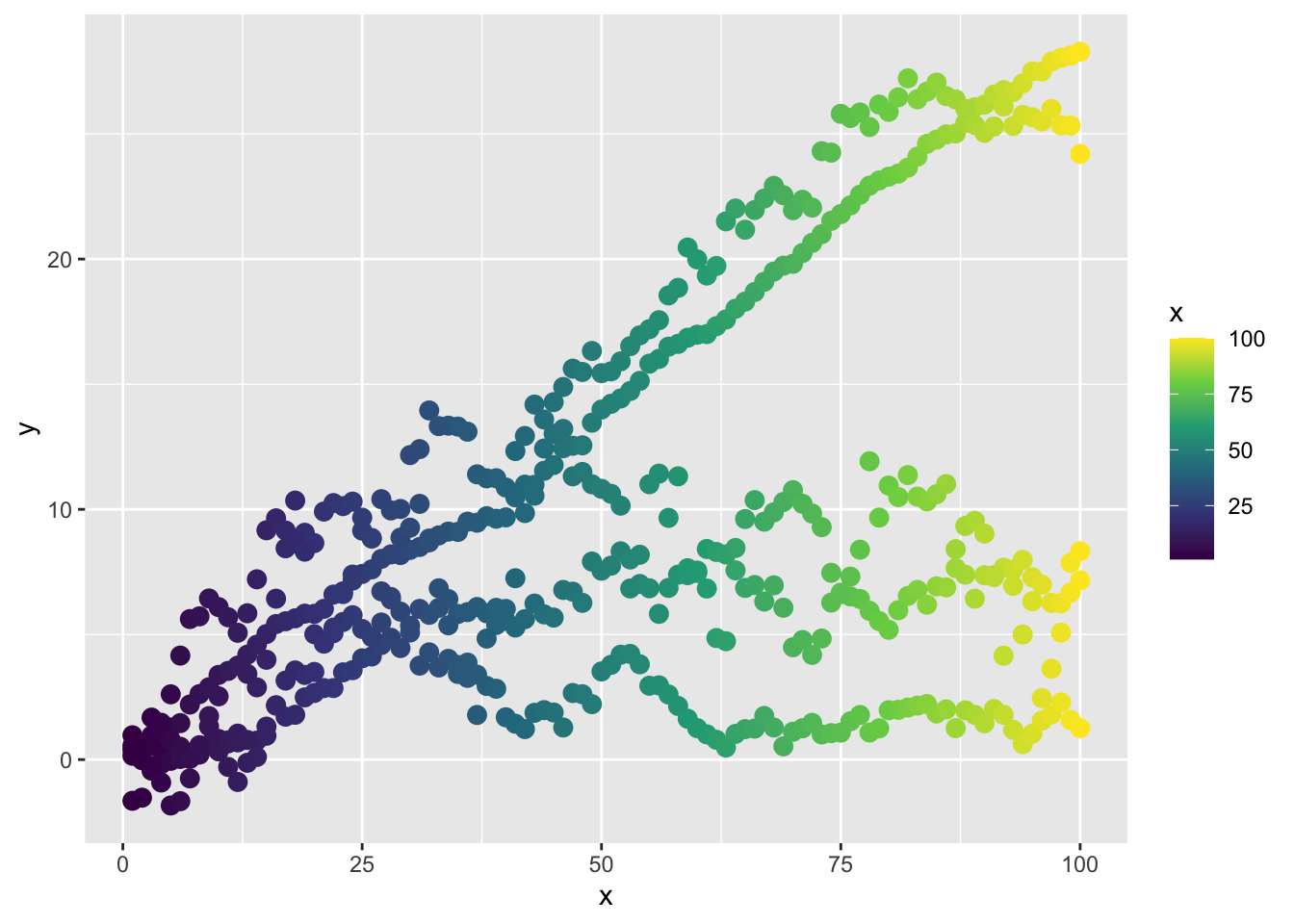
my_ggp2 <- ggplot(data = my_data,                         # Default scatter plot
                  aes(x = x,
                      y = y,
                      color = x)) +
  geom_point(size = 3)
my_ggp2 

Show the code
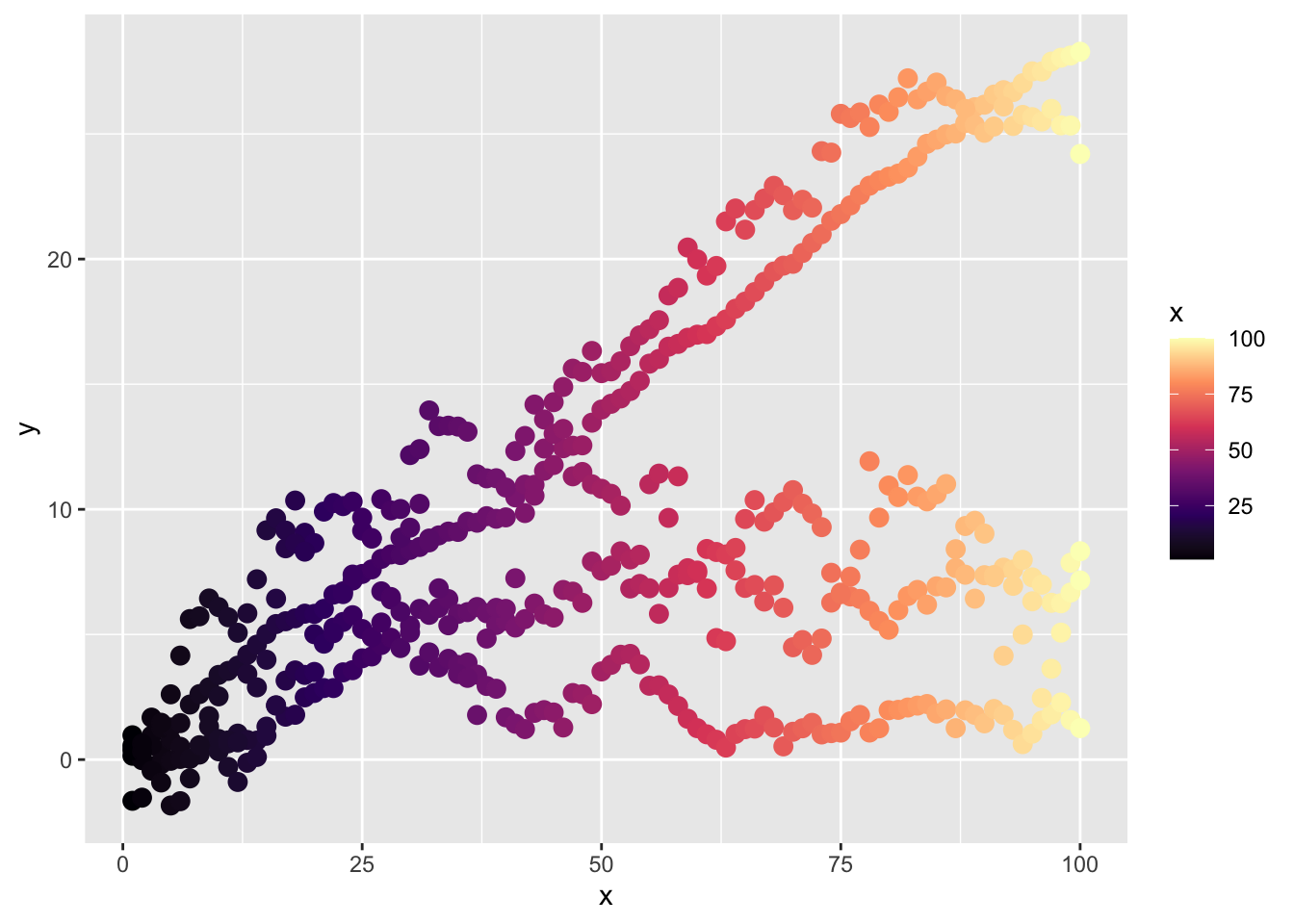
my_ggp2 +                                                 # Continuous color palettes
  scale_color_viridis_c(option = "A")

Show the code
my_ggp2 +
  scale_color_viridis_c(option = "D")

Show the code
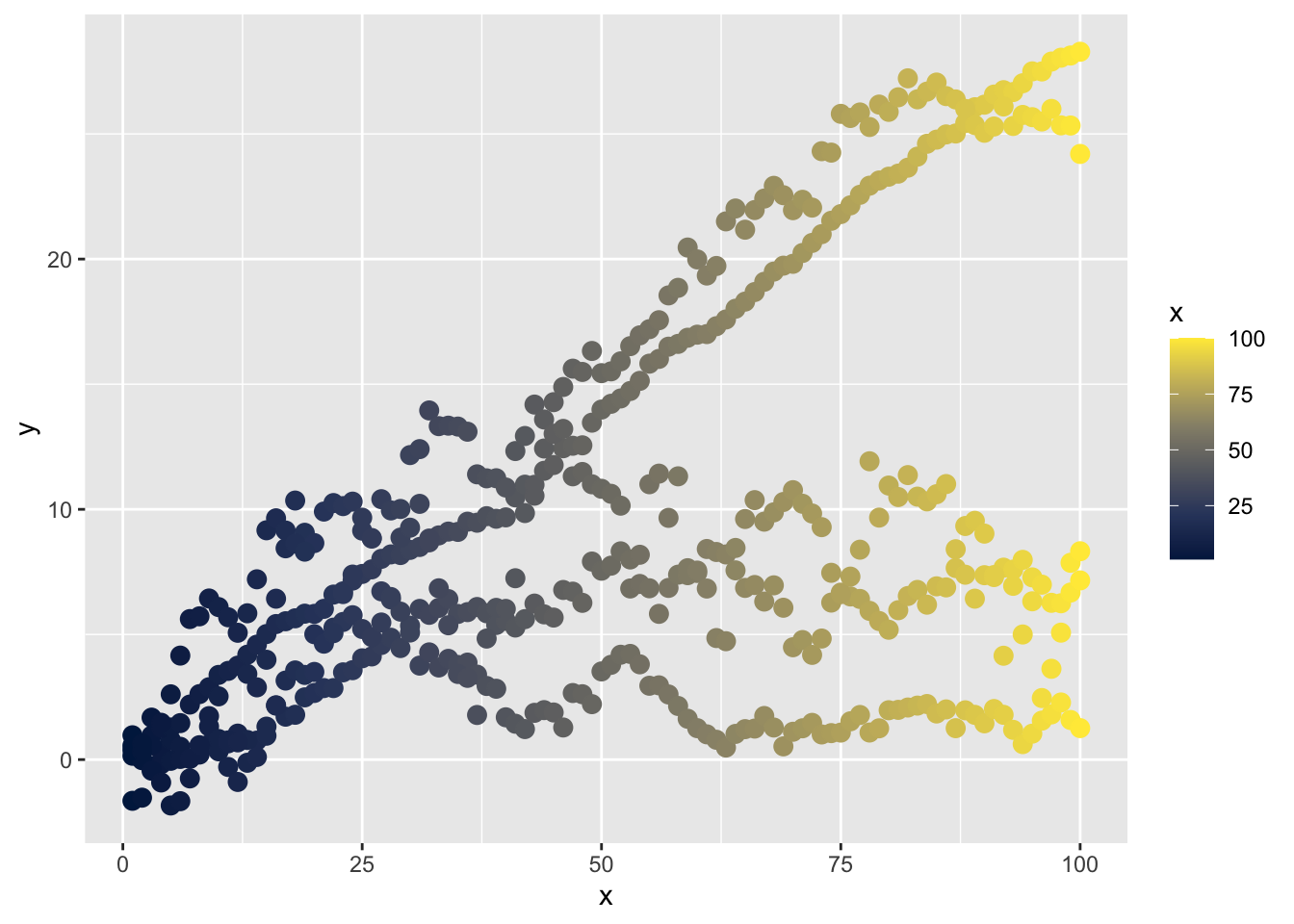
my_ggp2 +
  scale_color_viridis_c(option = "E")

Show the code
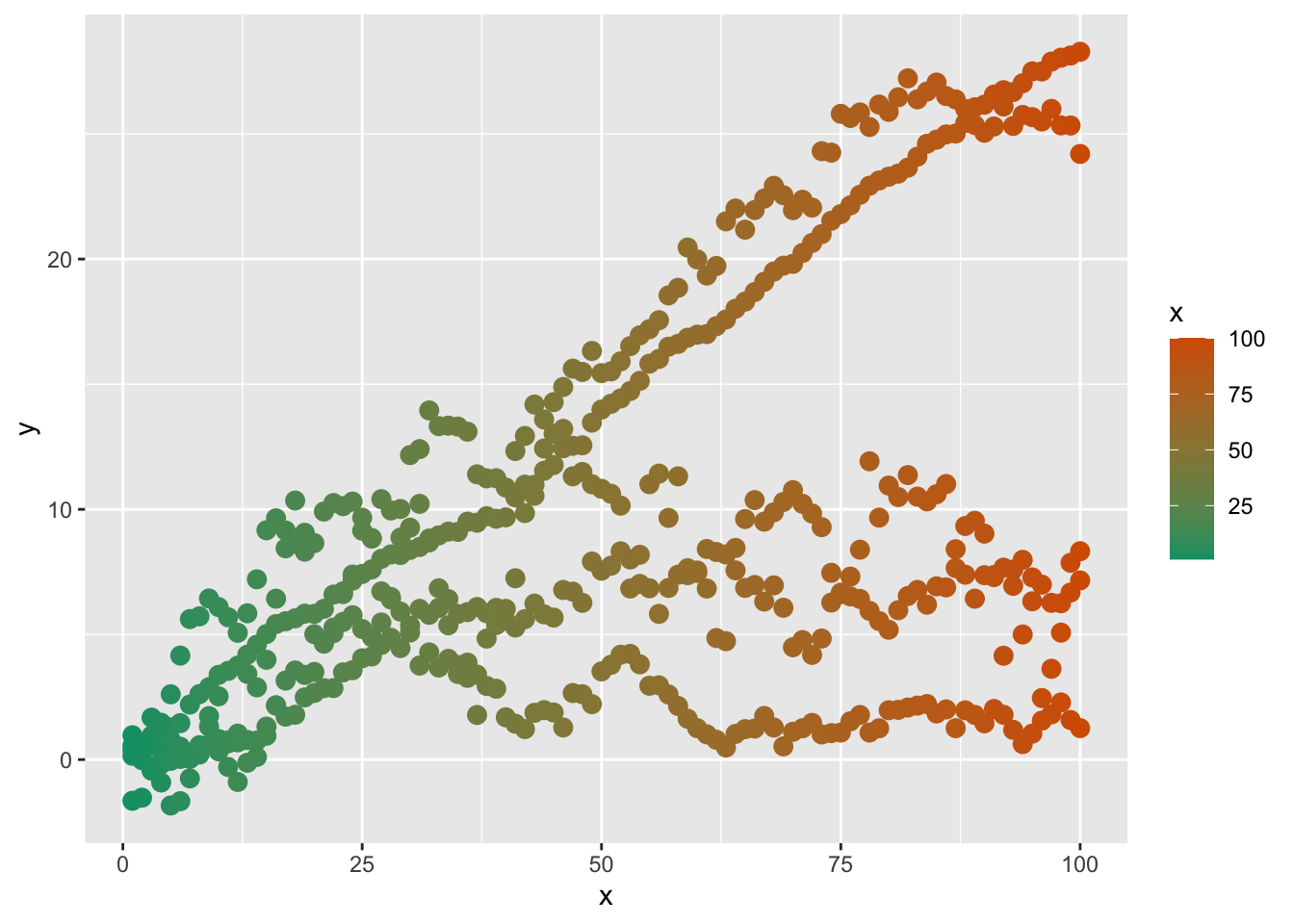
my_ggp2 +                                                 # Custom color ranges
  scale_color_gradientn(colors = c("#009E73", 
                                   "#D55E00"))

Show the code
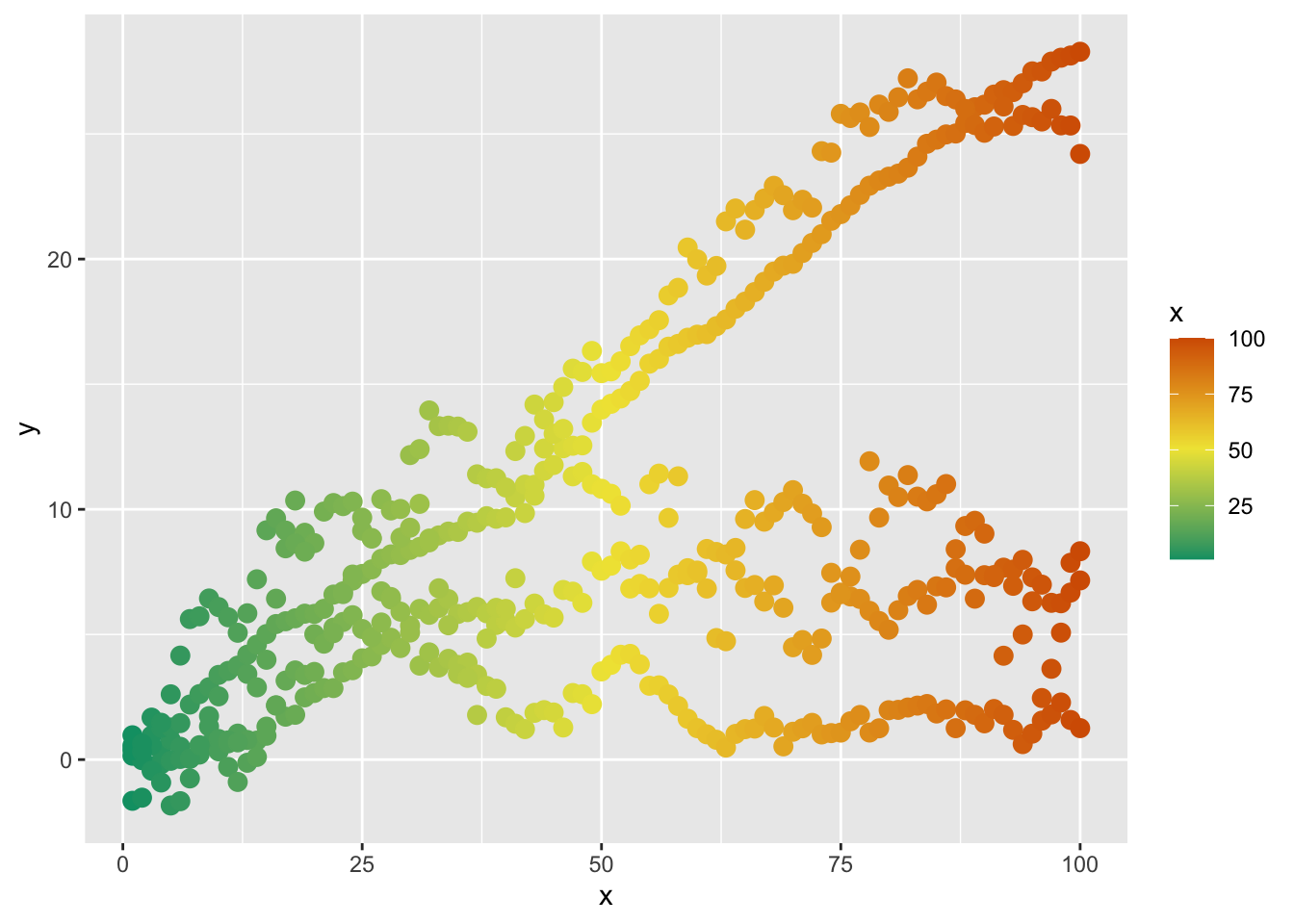
my_ggp2 +
  scale_color_gradientn(colors = c("#009E73", 
                                   "#F0E442", 
                                   "#D55E00"))

Show the code
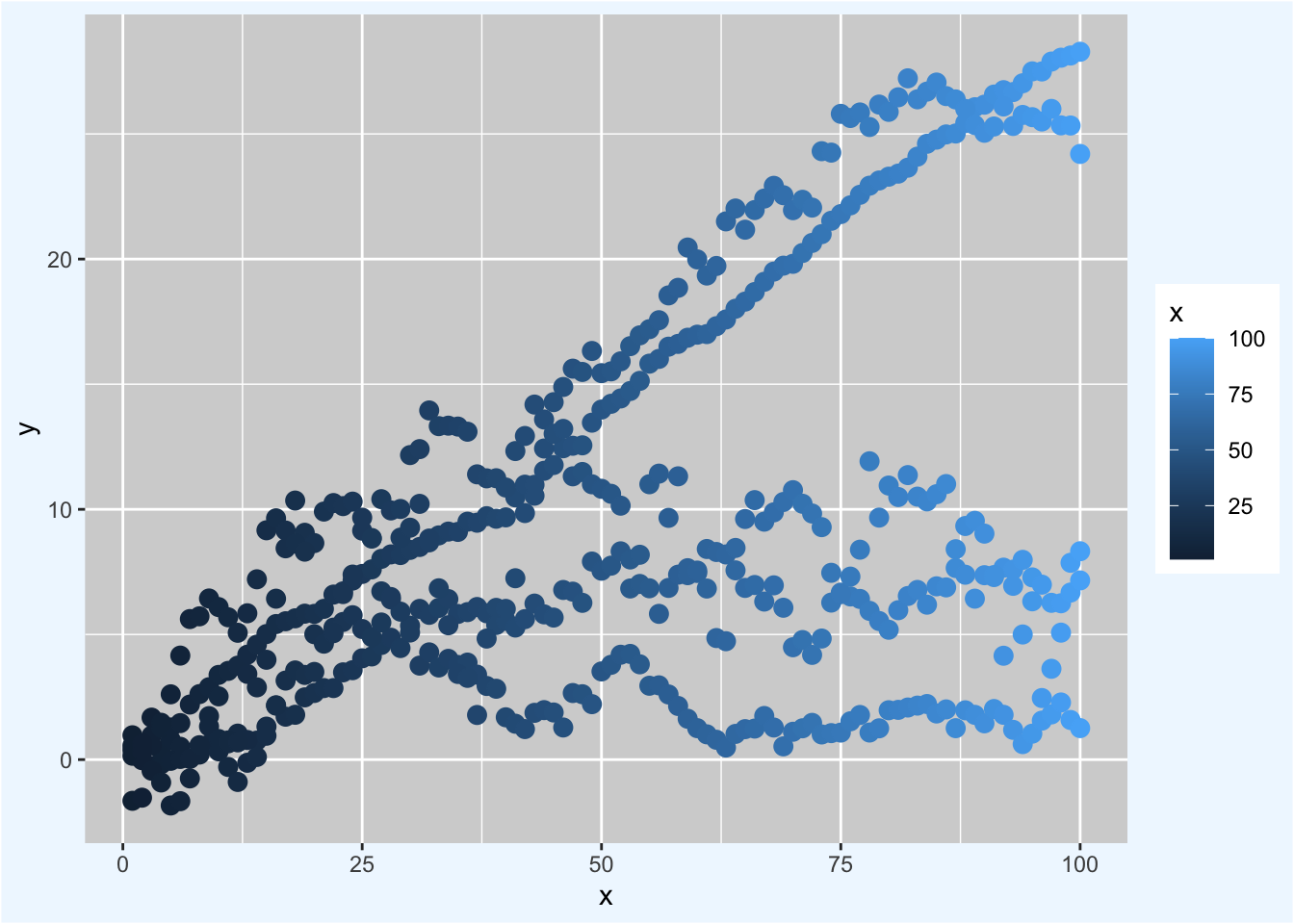
my_ggp2 +                                                 # Change theme colors
  theme(panel.background = element_rect(fill = "lightgray"), # Panel background
        plot.background = element_rect(fill = "aliceblue"))  # Plot background

Show the code
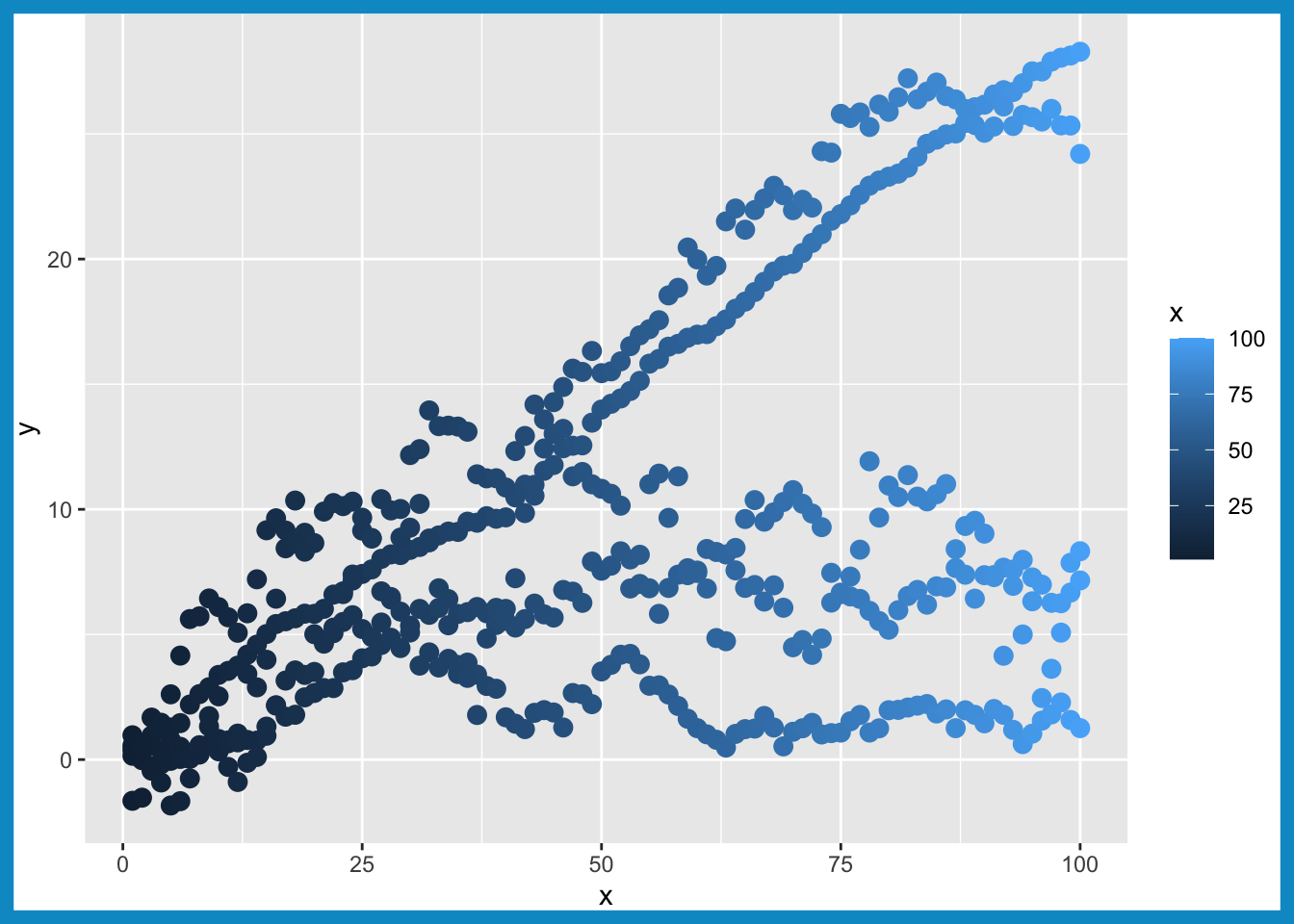
my_ggp2 +                                                 # Border color
  theme(plot.background = element_rect(color = "deepskyblue3",
                                       linewidth = 5))

Show the code
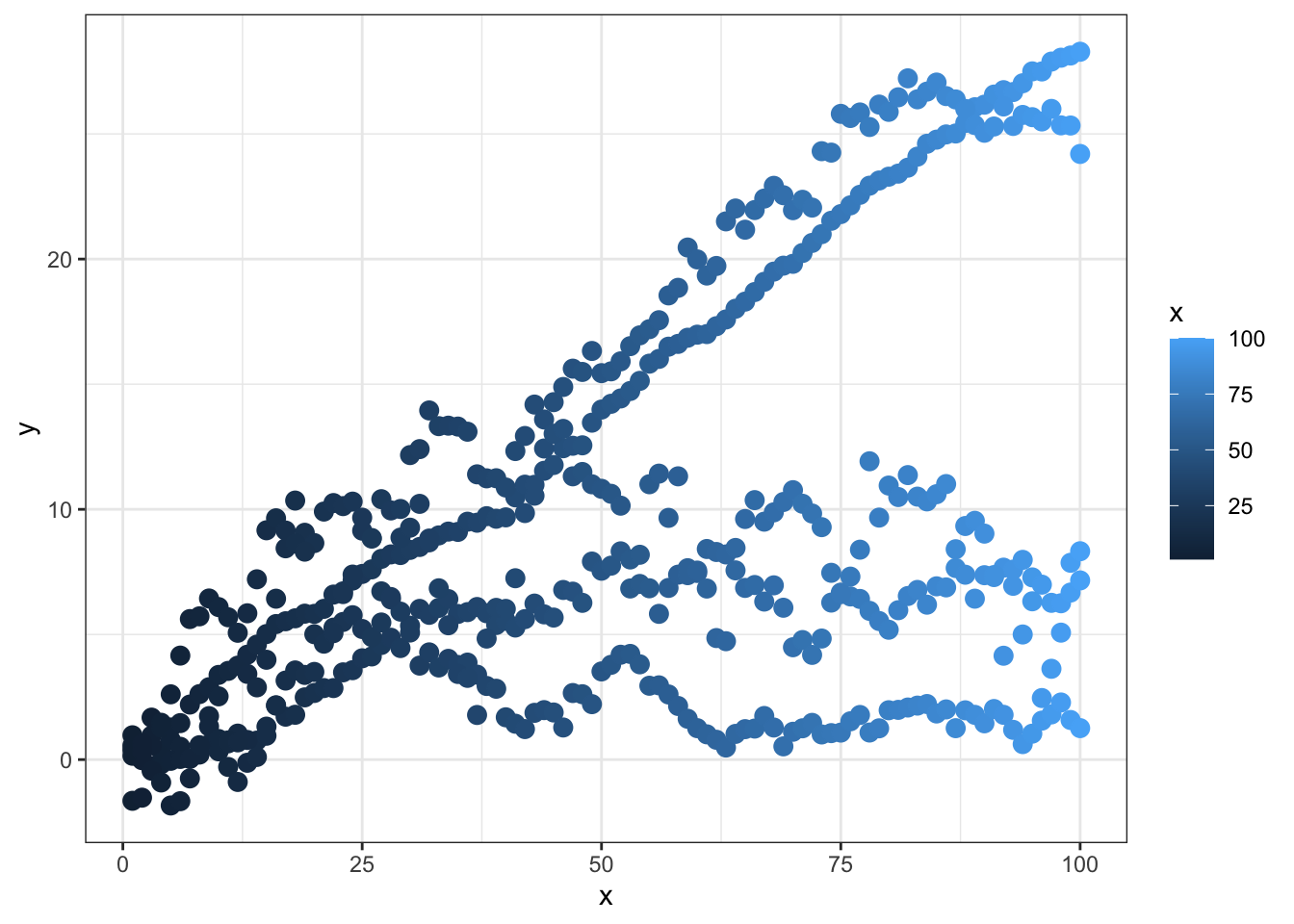
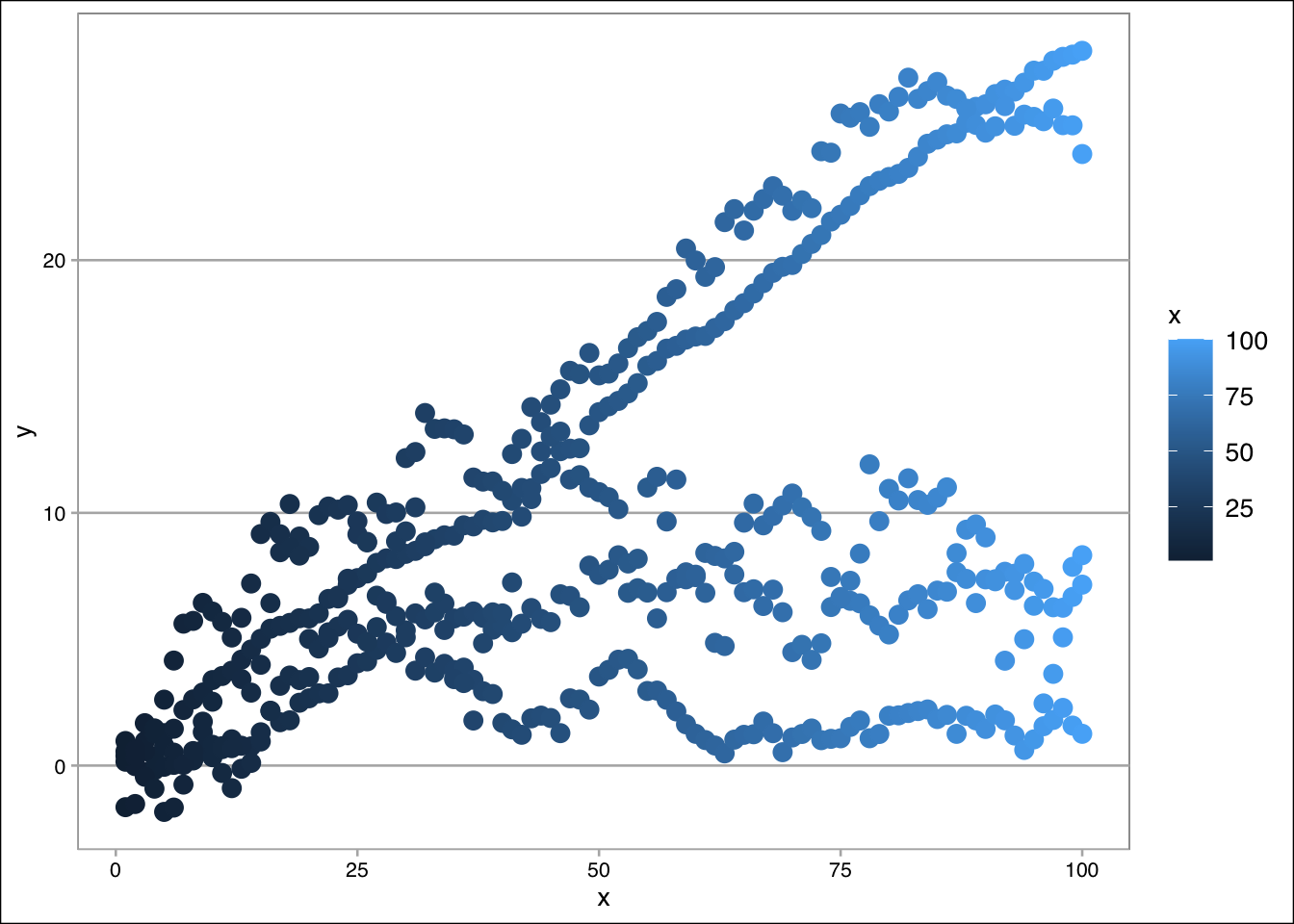
my_ggp2 +                                                 # ggplot2 themes
  theme_bw()

Show the code
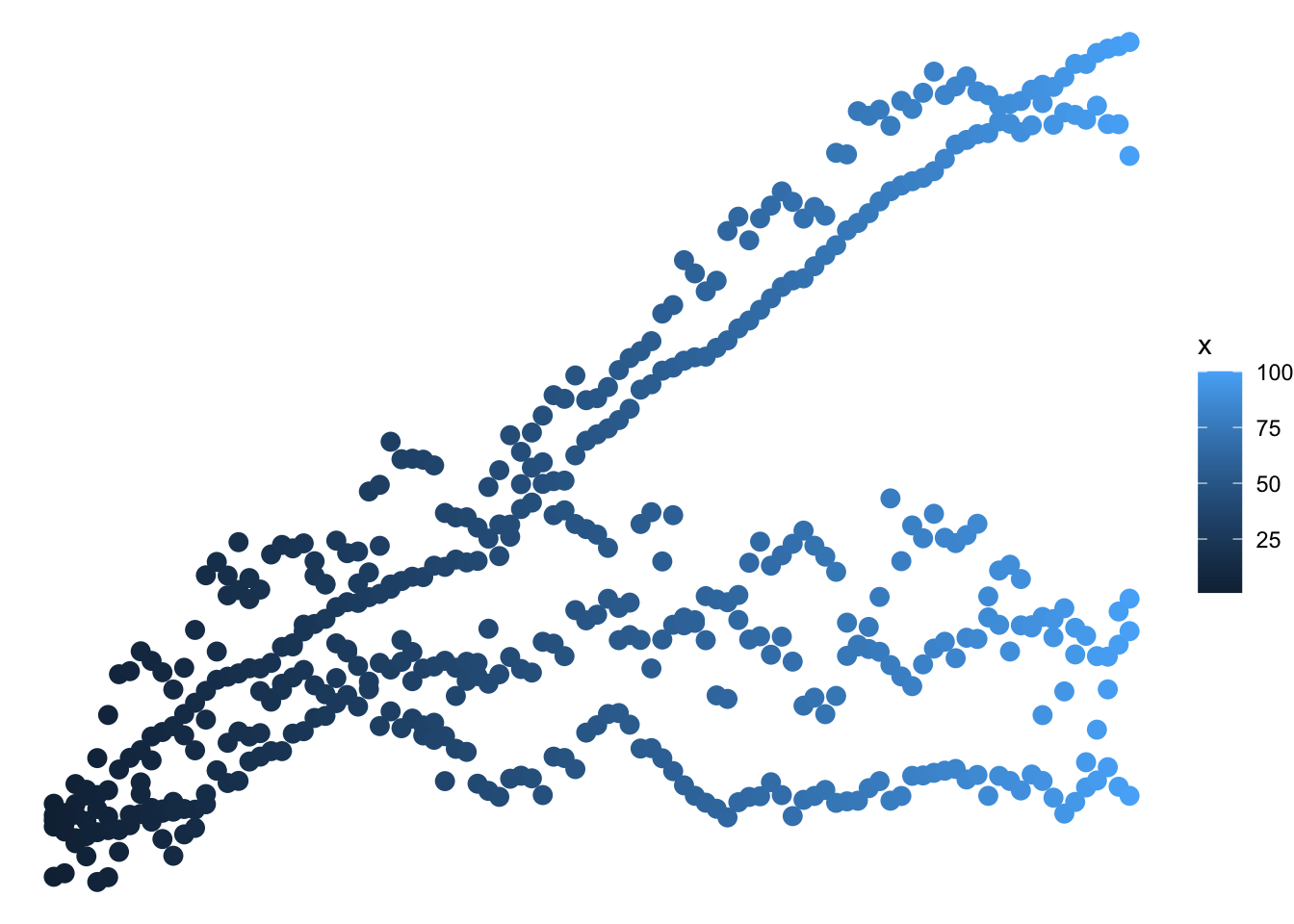
my_ggp2 +
  theme_void()

Show the code
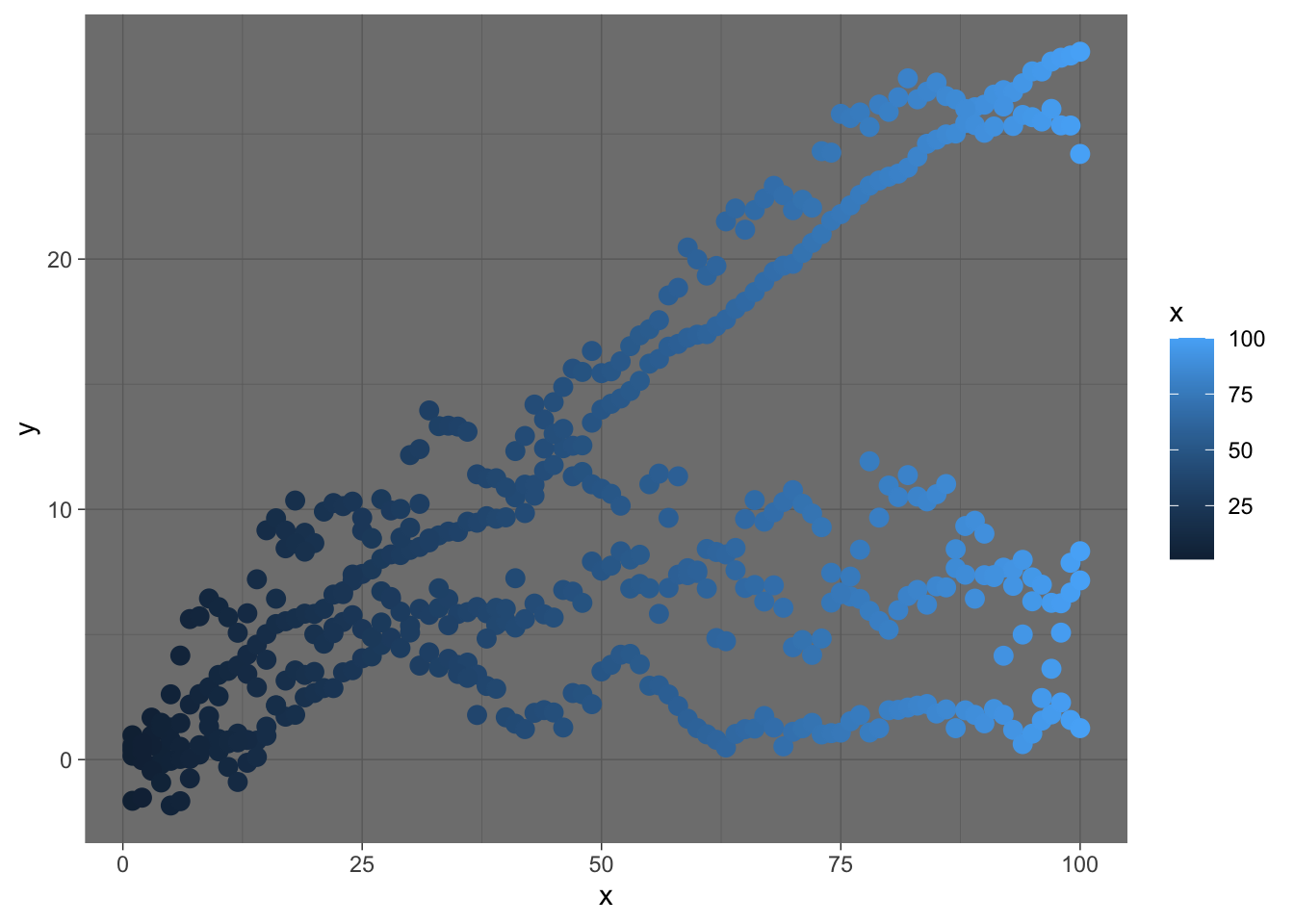
my_ggp2 +
  theme_dark()

Show the code
my_ggp2 +                                                 # Themes by ggthemes
  theme_calc()

Show the code
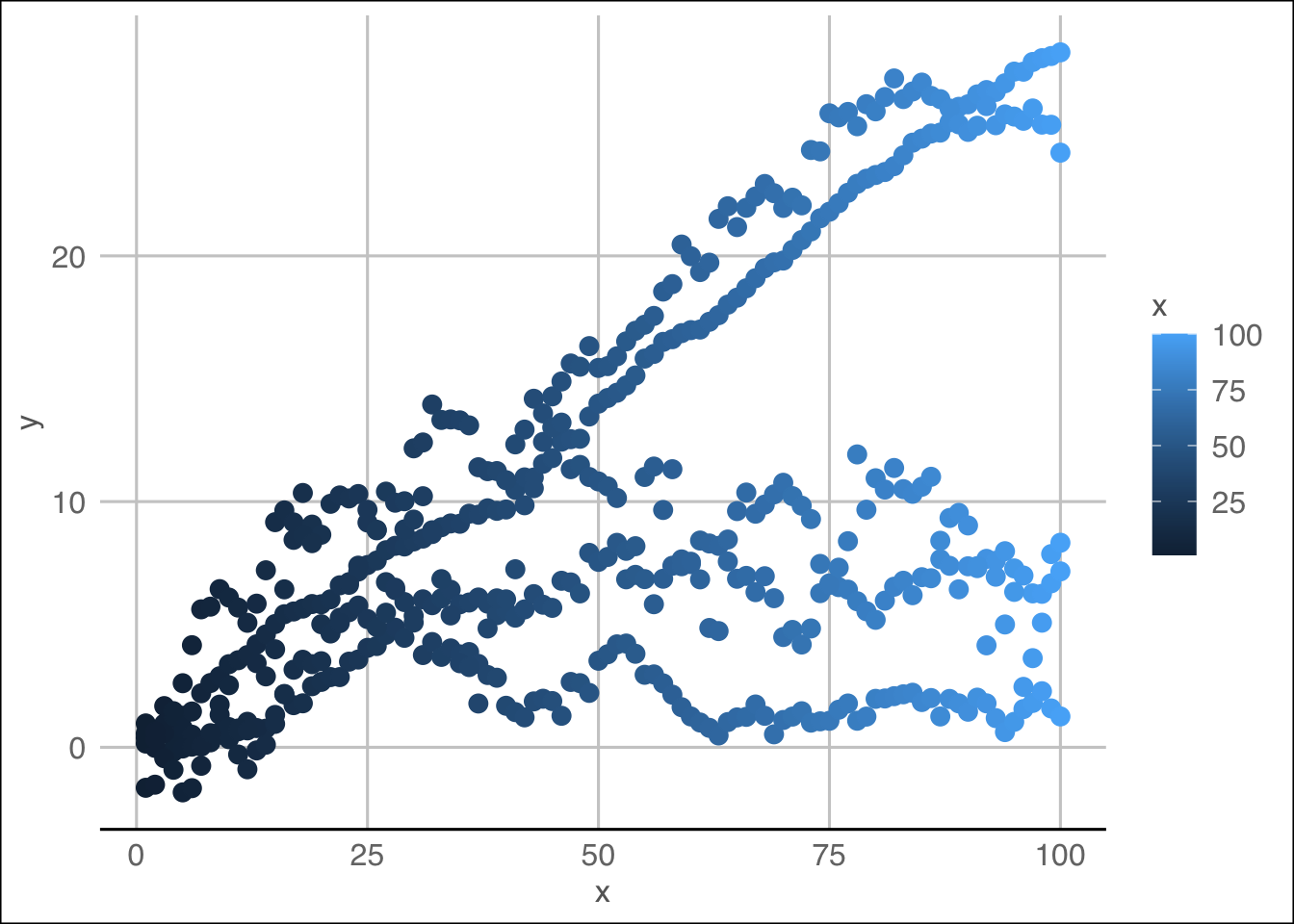
my_ggp2 +
  theme_gdocs()

Show the code
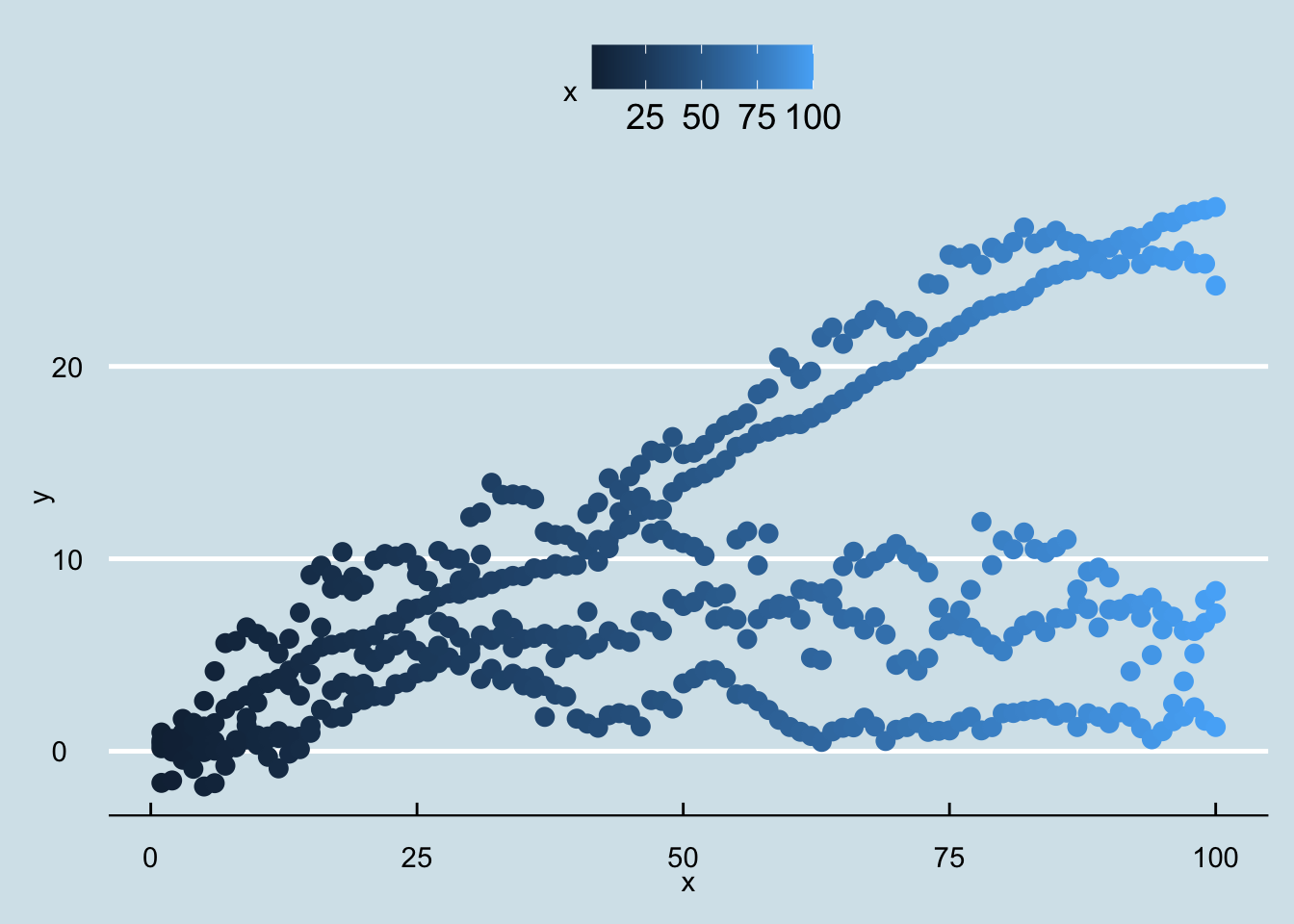
my_ggp2 +
  theme_economist()

Exercises In this module, we will work with the CO2 data set, which contains measurements of carbon dioxide uptake in grass plants under different conditions. To prepare, we will install and load the ggplot2 package and load the CO2 data set. This data set provides both numeric and categorical variables, making it ideal for exploring different colors and themes.

Show the code
data(CO2)             # Load example data

Now, let’s move on to the exercises for this module: